OneUp MCP Connector
Overview
The OneUp MCP (Model Context Protocol) connector allows you to integrate OneUp's social media management capabilities directly into AI tools such as Claude and ChatGPT. By using this connector, you can manage your social accounts, schedule posts, and retrieve post data using natural language.
Getting Started
To use OneUp as a connector in Claude (or any other MCP-compatible tool), use the following URL:
https://feed.oneupapp.io/mcp/oneup?apiKey=YOUR_API_KEY
Click here for help with Claude setup
Where to find your API Key?
You can generate and manage your API keys on the API Access page.
Quick Setup with OpenClaw
If you're using OpenClaw, you can configure the OneUp MCP server with a single command. See the OpenClaw Setup guide for details.
Connect with ChatGPT
To connect OneUp to ChatGPT as a custom MCP plugin using OAuth, follow the ChatGPT Setup guide.
Video Tutorial
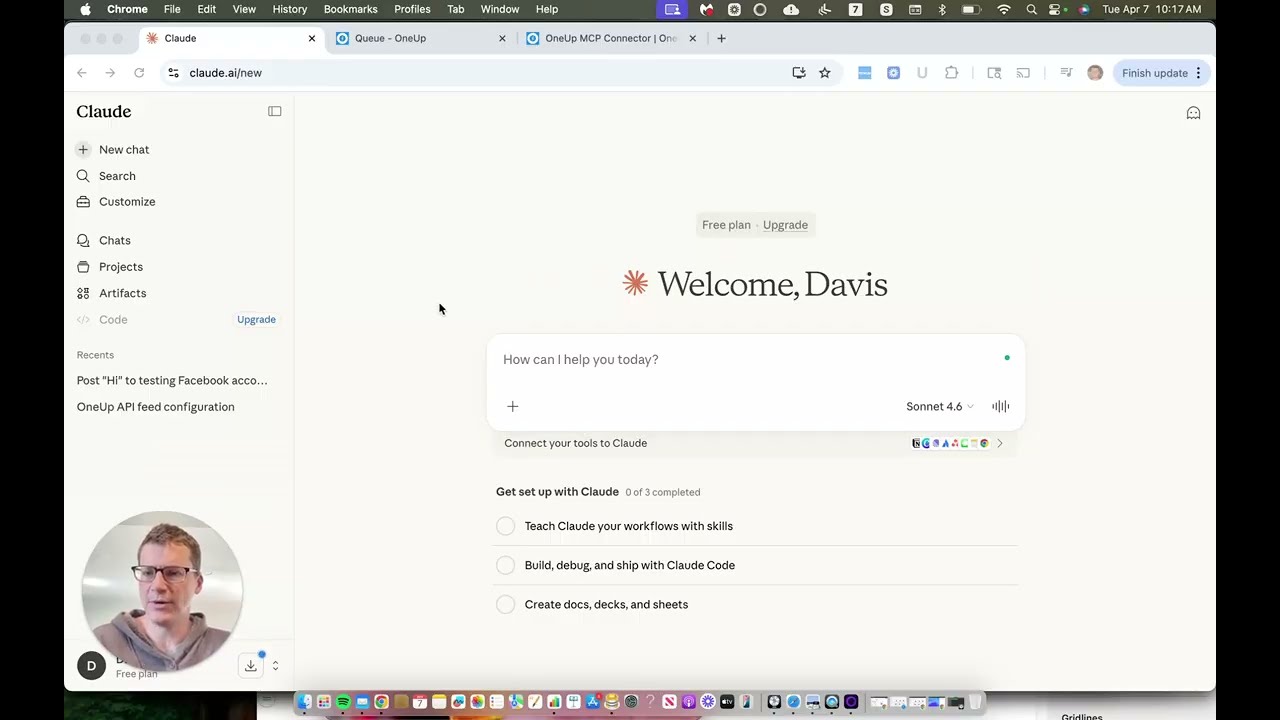
What can you do with OneUp MCP?
The OneUp MCP connector supports all the core features available in the OneUp API. You can ask your AI assistant to perform tasks such as:
Managing Connections
- List all your connected social accounts.
- View accounts within specific categories.
- Learn more about Managing Connections
Creating Posts
- Schedule and publish Text, Image, and Video posts.
- Specify categories and target social networks.
- Learn more about Creating Posts
Managing Posts
- Retrieve your list of Scheduled, Published, and Failed posts.
- Monitor your content queue.
- Learn more about Managing Posts
Example Prompts
Once connected, you can use prompts like:
- "List all my connected Instagram accounts."
- "Schedule a post to my 'SaaS' category for tomorrow at 2 PM with the text 'Hello from Claude!'"
- "Show me my scheduled posts for next week."
✅ Next Step: Connect OneUp to your preferred AI tool and start automating your social media workflow with AI!